 Android and iPhone
Get the VoiceOI app
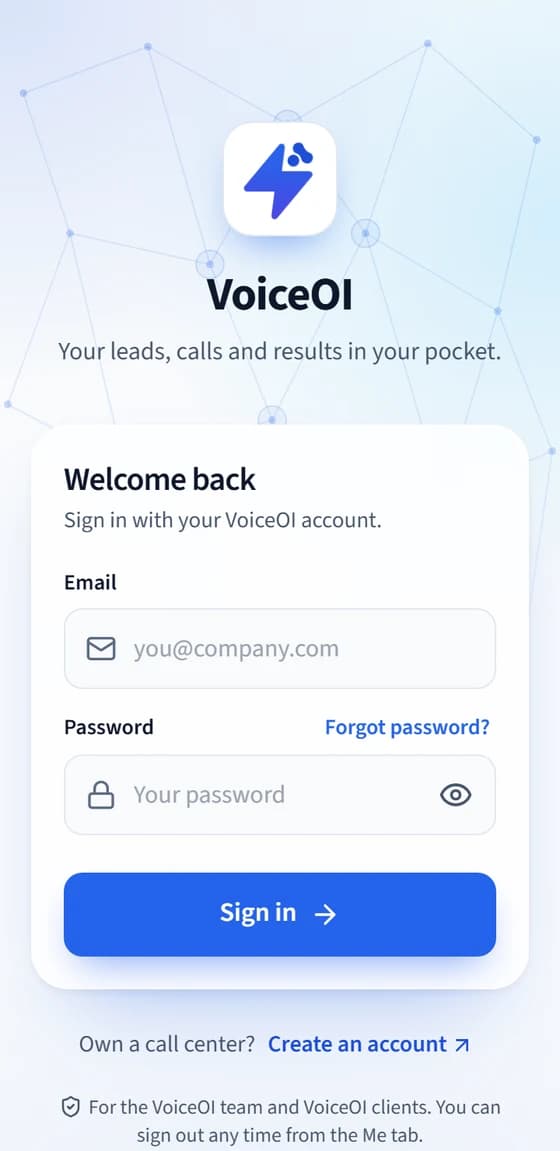
For the VoiceOI Lead & Support team, VoiceOI partners and VoiceOI clients. Sign in with the same email and password as your VoiceOI account.
Team members see new leads as they arrive, chat and call them, and follow up from the phone; partners see the leads given to them and call and follow up on them; clients see their calls and results.

On a computer? The app is for phones. Point your phone's camera at this code to open this page there, or send yourself the link.
Android
Version 1.0.4 · Released 2 Nov 2026 · 8 MB · Android 7.0 or newer
- Tap Download for Android. Your browser may warn that this type of file can harm your device. That appears for every app file: choose to keep it.
- When it finishes, tap Open in the notification bar (or at the bottom of your browser).
- If Android asks, allow your browser to install apps. It asks once, for this install (on Android 7 the setting is called Unknown sources).
- Google Play Protect may say App scan recommended, because it has not seen this app before. That is normal for an app that is not from the Play Store. Tap Scan app, wait for it to finish, then continue.
- Tap Install, open VoiceOI and sign in.
- Afterwards, switch that permission off again in your phone settings.
Check the file (optional)
The checksum (SHA-256) of the file on this page is:
064a739659e8d013e56c839f0f15df9f4a4a97a40e56fadeda839e1a2dd9b59d
On a computer, run Get-FileHash file.apk -Algorithm SHA256 (Windows) or shasum -a 256 file.apk (Mac, Linux) and compare. It shows the download was not damaged on the way. It does not replace installing only from this page.
iPhone
iOS 16.4 or newer
- Open leads.voiceoi.com in Safari.
- Tap the Share button at the bottom of the screen.
- Scroll down and tap Add to Home Screen , then Add.
- Open VoiceOI from your Home Screen (not from Safari) and sign in.
- When it asks to send notifications, tap Allow. Alerts for new leads only work for the app opened from its Home Screen icon.
There is no App Store version yet. The web app behaves like an app once it is on your Home Screen.
One sign-in
Use your VoiceOI email and password. There is no separate account for the app.
Who it is for
The app is for the Lead & Support team, for partners who get leads from VoiceOI, and for clients. Administrators use the VoiceOI website.
Install from here only
Get the Android app only from this page. If someone sends you the file another way, check with support@voiceoi.com first.
Stuck? Email support@voiceoi.com